







Solana Geyser gRPC - Quickstart
Install SLV
bash
curl -fsSL https://storage.slv.dev/slv/install | shcurl -fsSL https://storage.slv.dev/slv/install | sh$ slv b init
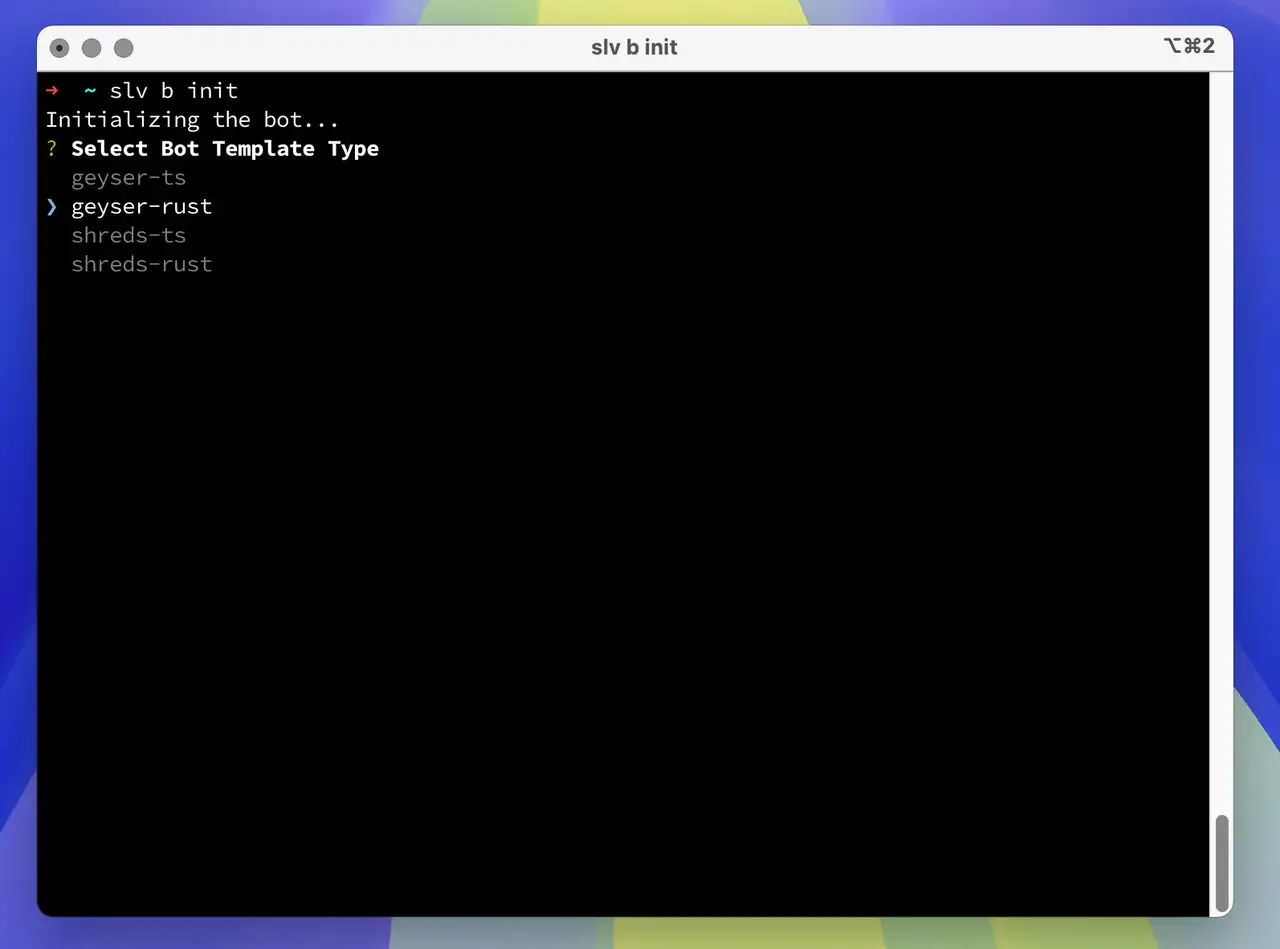
With a single command,
slv b init, you can instantly scaffold a development environment for Solana bots using high-performance stream-based data.bash
slv b initslv b init- Use
geyser-tsif you prefer a TypeScript Geyser bot - Use
geyser-rustif you prefer a Rust Geyser bot
Allow ICMP latency-probe sources
For gRPC region selection, ERPC sends ICMP latency probes to your registered IP from the proxy hosts listed below. Allow inbound ICMP echo requests from every listed source IP. If they are blocked by a firewall (ufw, cloud firewall, security group, etc.), the measurement can become
9999ms and a non-optimal region may be selected. Multiple IPs in one region are separate probe hosts; all of them are required.| Region | ICMP source IPs |
|---|---|
| 🇳🇱 Amsterdam | 82.21.43.34, 151.244.92.36 |
| 🇺🇸 New York | 151.243.244.5 |
| 🇩🇪 Frankfurt | 151.241.178.20, 151.241.178.34, 151.241.178.21 |
| 🇬🇧 London | 151.241.65.4 |
| 🇯🇵 Tokyo | 143.20.238.66 |
| 🇸🇬 Singapore | 151.245.186.2 |
| 🛰️ Far Point | 143.20.238.73 |
Burst gRPC endpoints
Geyser gRPC Burst is ERPC's low-latency shared gRPC tier for latency-sensitive Solana stream workloads. Burst uses the same Yellowstone/Geyser gRPC interface as the regular gRPC service, so existing gRPC clients can keep using standard account, transaction, slot, and block subscriptions.
Burst uses the same regional ICMP probe sources listed above for latency-based region selection. The addresses below are Burst client endpoint IPs, not ICMP probe sources; allow them only if your outbound firewall restricts connections to the selected endpoint.
| Region | Burst Domain | IP Address |
|---|---|---|
| 🇩🇪 Frankfurt | grpc-fra1-burst.erpc.global | 64.130.41.234 |
| 🇳🇱 Amsterdam | grpc-ams1-burst.erpc.global | 64.130.55.180 |
| 🇺🇸 New York | grpc-ny6-burst.erpc.global | 64.130.59.217 |
Use the endpoint shown in the ERPC Web Dashboard after registering your IP. Burst remains a full Geyser gRPC stream; Direct Shreds/ShredStream is a separate UDP-based product for raw shred data.
Geyser Client Example – TypeScript
- Rename
.env.sampleto.env - Edit
.envwith your actual values:
ini
GEYSER_ENDPOINT=http://grpc-ams1.erpc.global
SOLANA_RPC_ENDPOINT="https://edge.erpc.global?api-key=YOUR_API_KEY"GEYSER_ENDPOINT=http://grpc-ams1.erpc.global
SOLANA_RPC_ENDPOINT="https://edge.erpc.global?api-key=YOUR_API_KEY"Please note:
This endpoint is a sample and cannot be used as is. Please obtain and configure the appropriate endpoint for your environment.
- Install dependencies and start the development server:
bash
pnpm i
pnpm devpnpm i
pnpm dev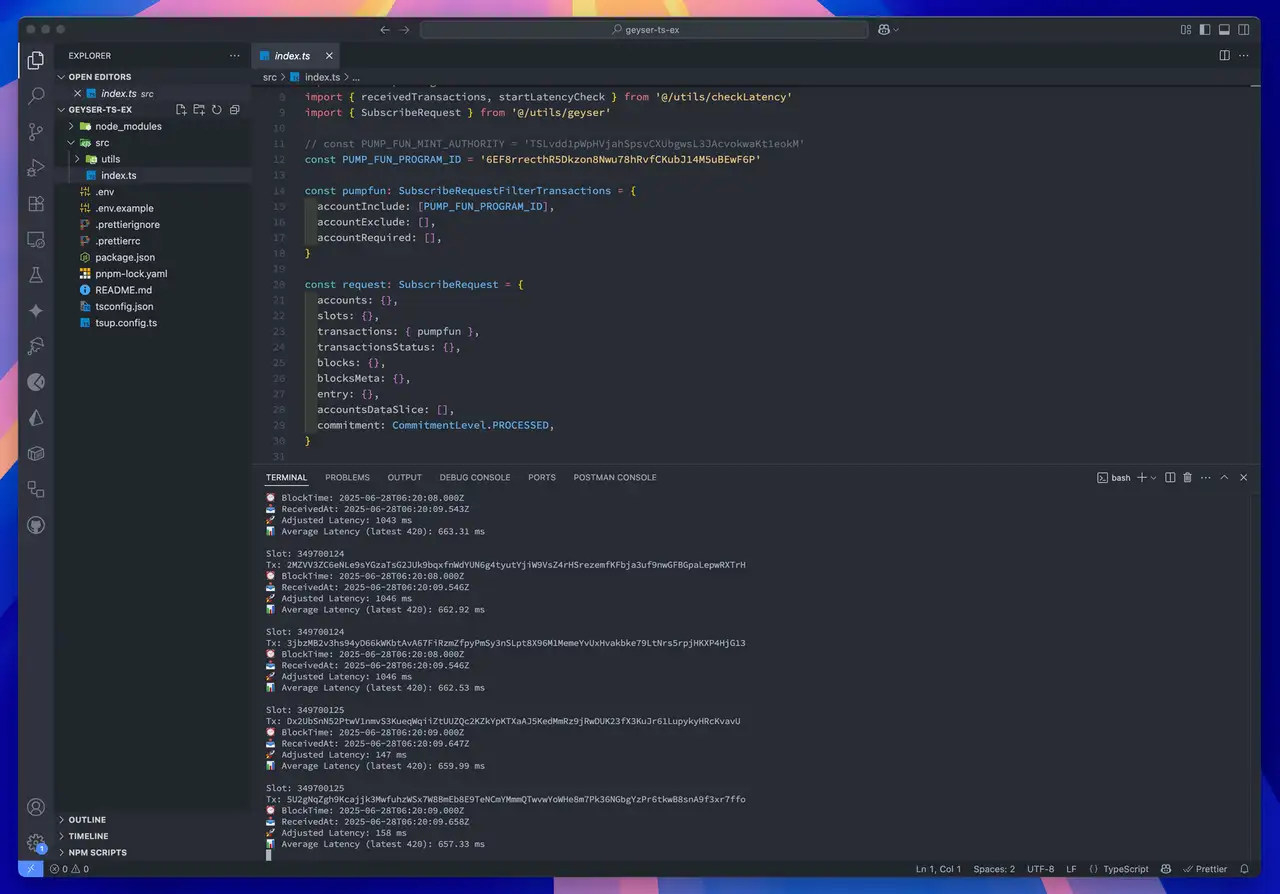
Geyser Client Example – Rust
- Rename
.env.sampleto.env - Edit
.envwith your actual values:
ini
GEYSER_ENDPOINT=http://grpc-ams1.erpc.global
SOLANA_RPC_ENDPOINT="https://edge.erpc.global?api-key=YOUR_API_KEY"GEYSER_ENDPOINT=http://grpc-ams1.erpc.global
SOLANA_RPC_ENDPOINT="https://edge.erpc.global?api-key=YOUR_API_KEY"Please note:
This endpoint is a sample and cannot be used as is. Please obtain and configure the appropriate endpoint for your environment.
- Build and run the client:
bash
RUST_LOG=info cargo runRUST_LOG=info cargo run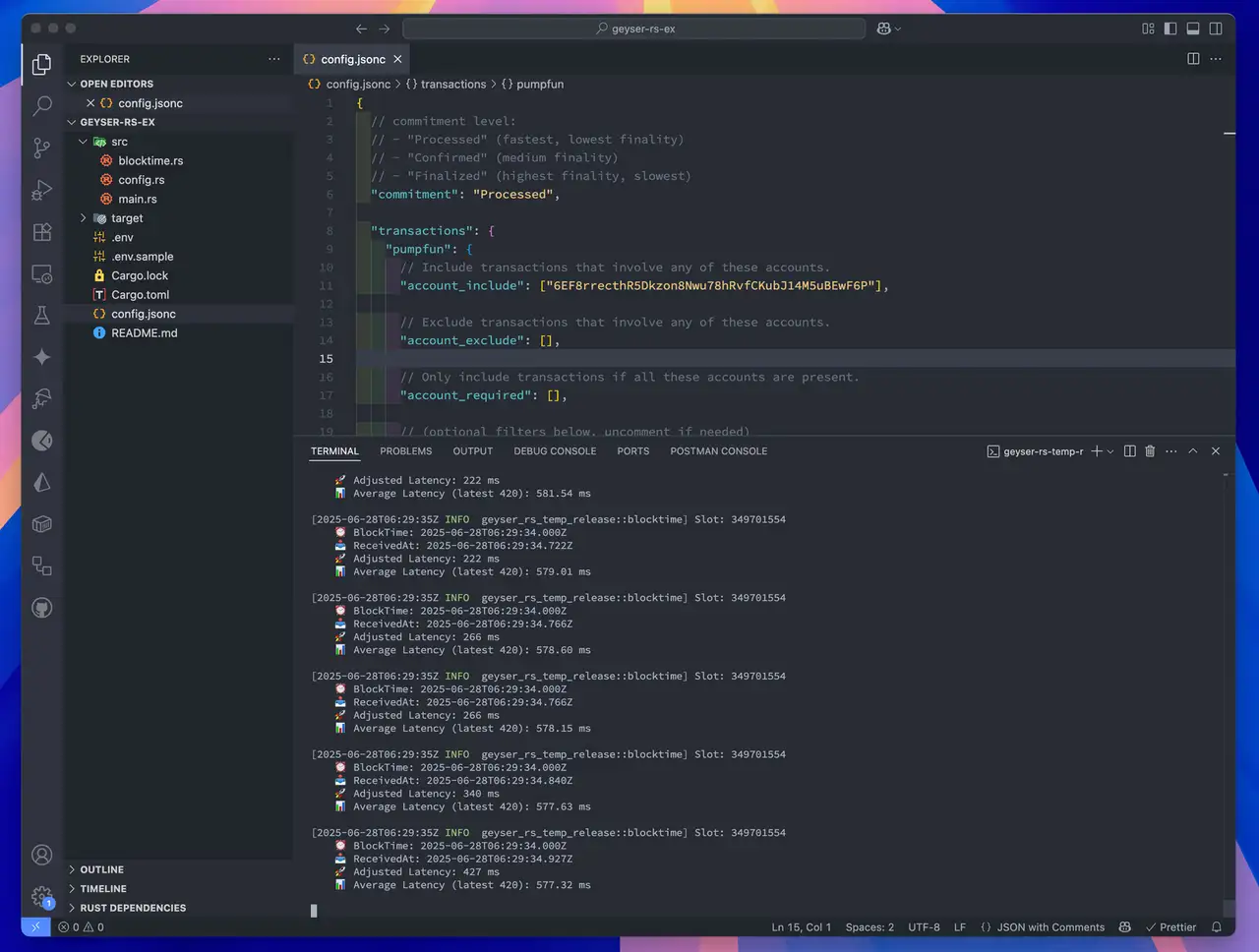
Open the dashboard: https://dashboard.erpc.global/en
Solana Stream SDK
The Geyser adapter used in the starter code downloaded via the
is provided by the open-source Solana Stream SDK.
slv b init commandis provided by the open-source Solana Stream SDK.
It supports both Rust and TypeScript, enabling efficient implementation of Solana stream communication,
including Geyser subscriptions, transaction processing, and real-time account update monitoring.
including Geyser subscriptions, transaction processing, and real-time account update monitoring.
The starter code you obtain is a direct example of this SDK in action,
making it easy to extend for your own bot development or custom logic.
making it easy to extend for your own bot development or custom logic.
For more details, visit the GitHub repository:
https://github.com/ValidatorsDAO/solana-stream
https://github.com/ValidatorsDAO/solana-stream